Skip to content

Features

E-sign for what you actually do.

Twelve features that cover 95% of the signing work most teams do. No 400-integration ecosystem to navigate. No CLM platform you’ll never touch.
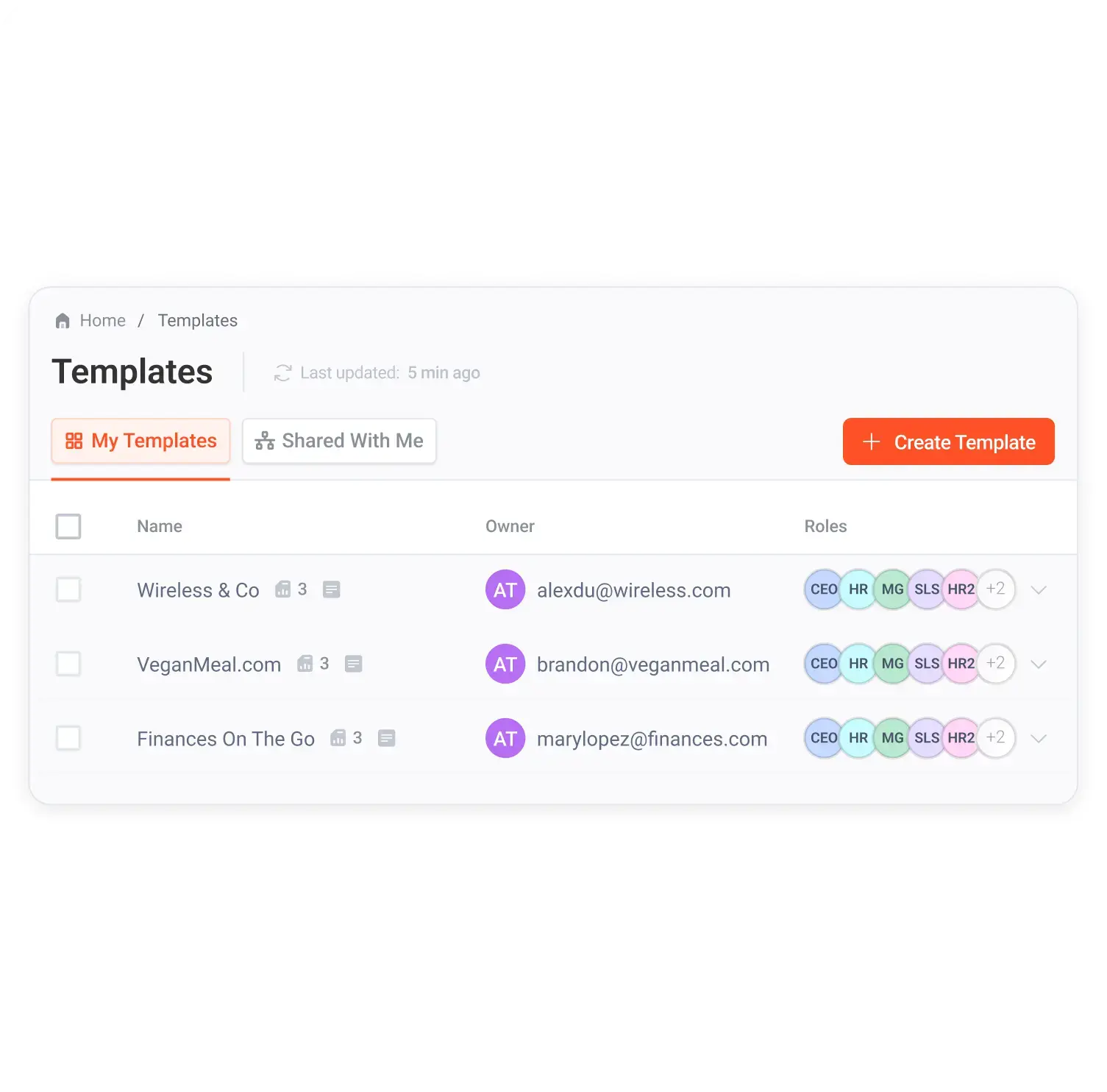
01 / Templates

Drag-and-drop template builder.

Build a signing template in minutes. Drag fields where you need them. Reuse it forever.

DocuSign templates require manual field mapping for every document type. SignIQ’s builder is visual and intuitive, no training session required.

Best for landing pages, product demos, day-to-day user messaging

Master Services Agreement

This Agreement is entered into as of

date

By and between the parties listed below:

borrower name guarantor name

Signatures:

borrower signature guarantor signature accountant initial

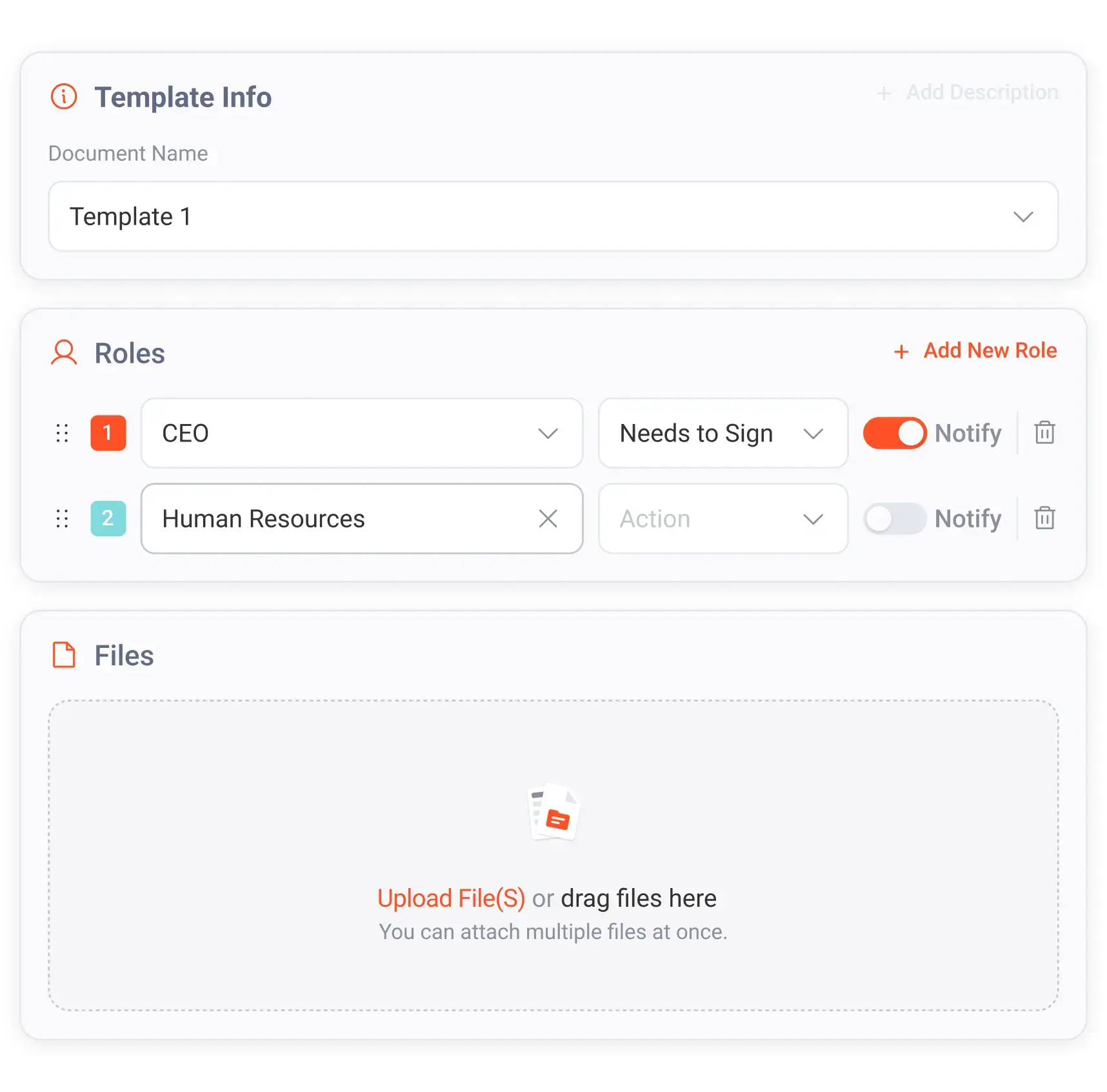
02 / Roles

Role-based signing.

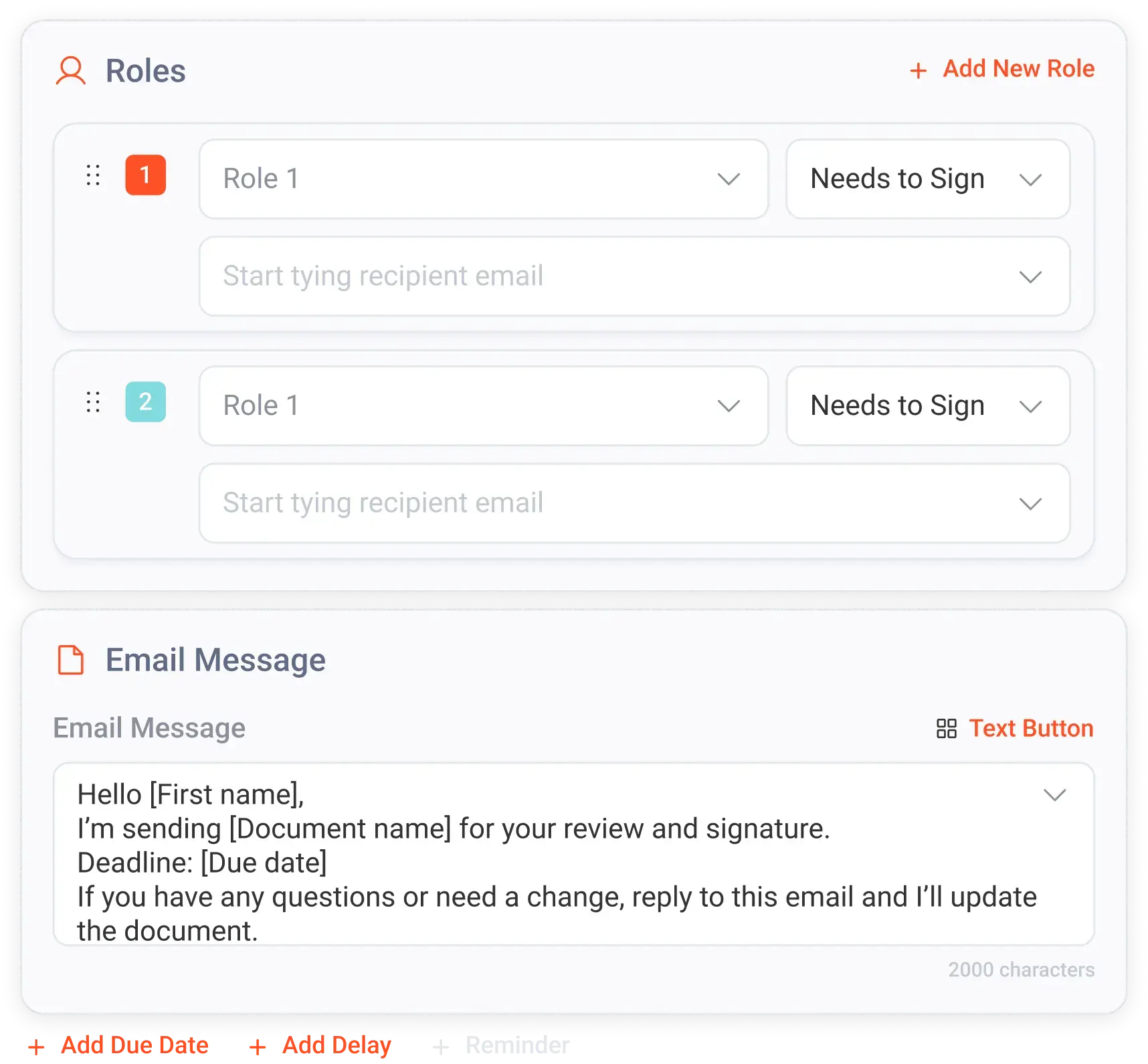
Every signer sees exactly what they need to sign. Nothing more.

Define custom roles, CEO, CFO, accountant, guarantor, borrower, or any role your workflow requires. Assign specific fields to specific roles. DocuSign supports roles, but the setup is buried in configuration. SignIQ keeps it simple.

Best for sales conversations with operations teams, multi-party contracts

Marcus Chen Borrower 04/27 14:02
Priya Vasquez Guarantor 04/27 14:18
Jordan Reilly Accountant awaiting
D. Whitfield CEO queued

03 / Order

Configurable signing order.

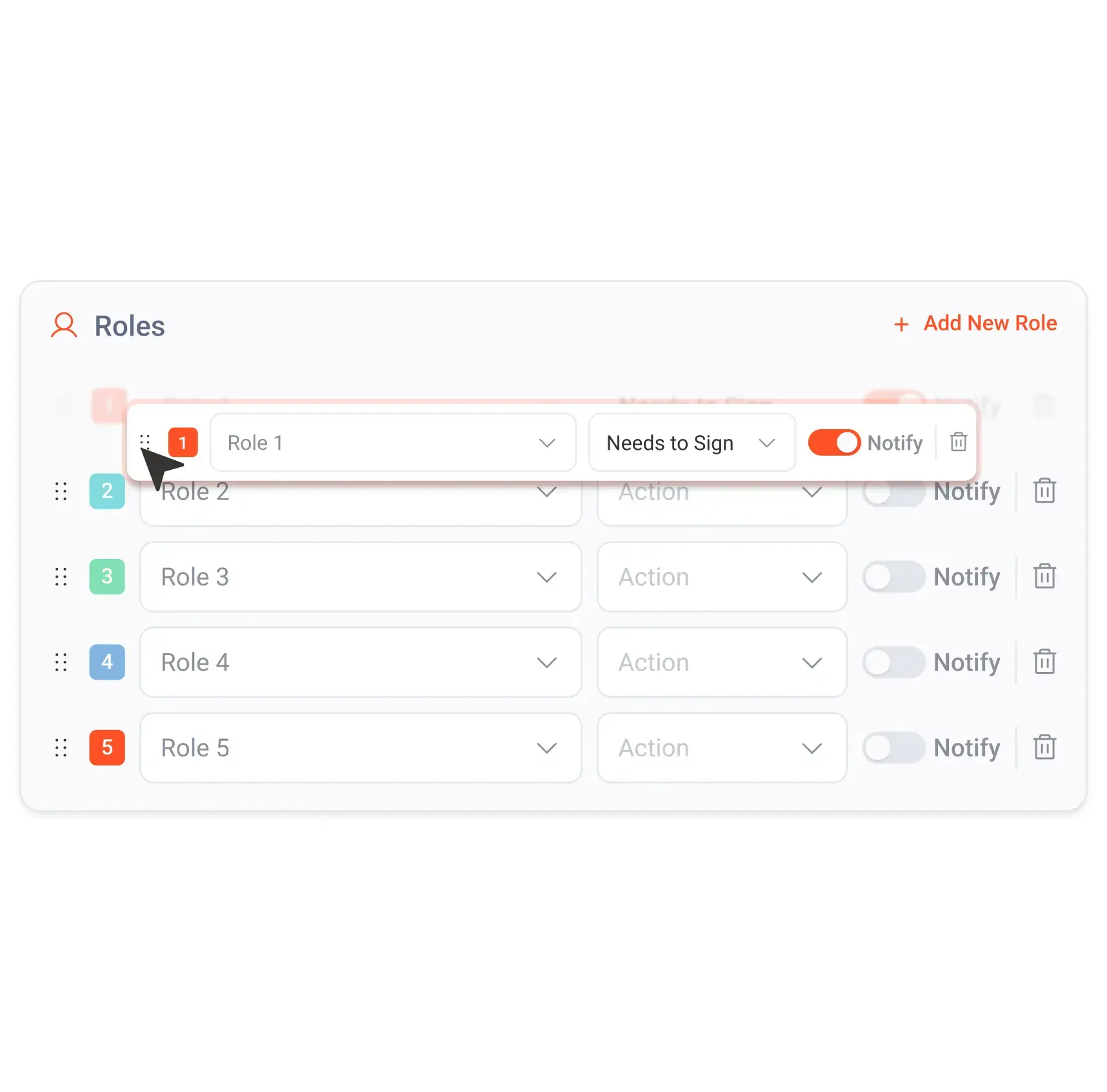
Control who signs first, second, and last. Drag to reorder.

First the borrower, then the guarantor, then the CEO, or any order your process requires. Available in DocuSign’s paid tiers. Included with SignIQ at every level.

Best for teams with multi-step approval workflows, compliance-oriented buyers

1. Marcus ChenBorrower
2. Priya VasquezGuarantor
3. Jordan ReillyAccountant
4. D. WhitfieldCEO

04 / Fields

Multiple field types.

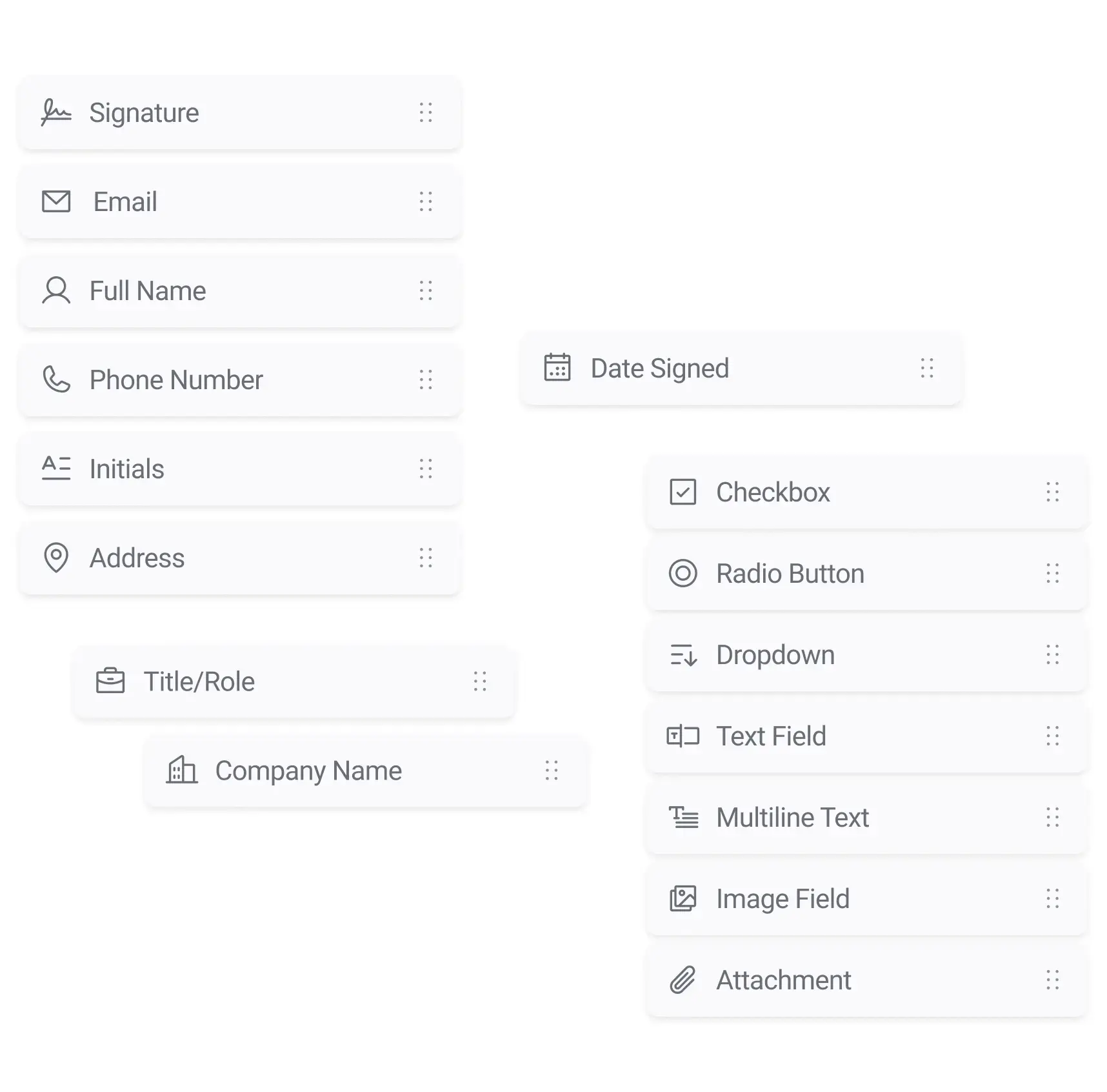
Signatures, initials, dates, text fields, checkboxes, dropdowns, drag them where you need them.

DocuSign offers similar field types but gates some behind higher tiers. SignIQ includes the full set at every tier.

Best for product demos, feature pages, template builder walkthroughs

signature initial date text checkbox dropdown number attachment

05 / Brand

White-label branding.

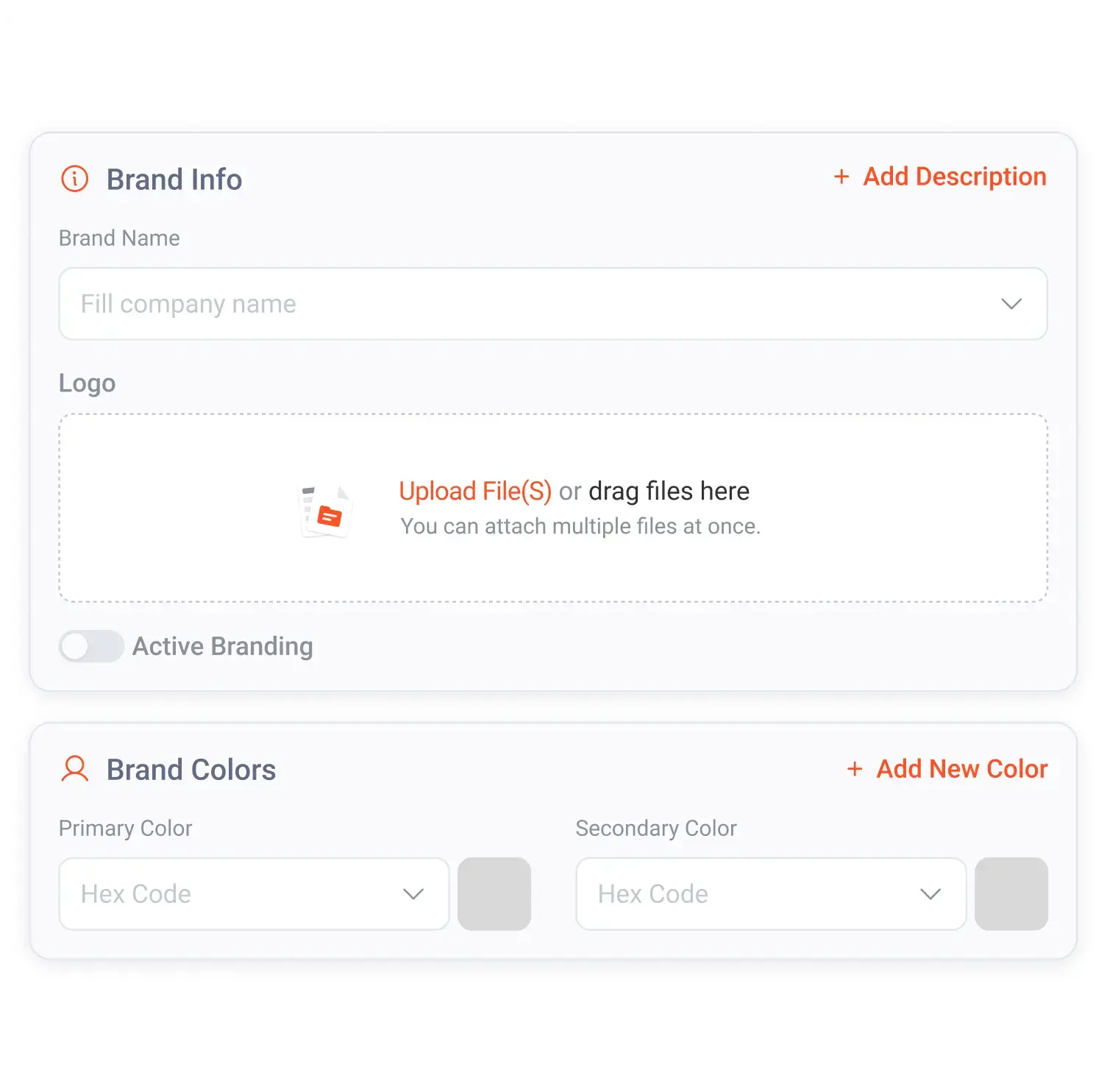
Your clients see your brand on every signature. Not ours.

DocuSign puts their brand on every signing experience unless you pay for the enterprise tier. SignIQ includes white-label at every tier, including multiple brand profiles on Standard.

Best for hero messaging, any conversation where the buyer cares about professional appearance

YourCompany

Please review and sign your loan agreement

From the team at YourCompany. We’ll be in touch after your signature.

Review document

06 / Sharing

Shared templates across organizations.

Build it once. Share it across your entire organization, or with partners.

If you work with partners, franchisees, or affiliated entities, you can share a template library so everyone uses the same documents without rebuilding them. DocuSign template sharing requires specific plan tiers and configuration. SignIQ Standard includes it natively.

Best for multi-location businesses, franchise operators, partnerships

MSA, Standard TermsShared
Loan Application v3Shared
Broker DisclosureShared
NDA, VendorPrivate

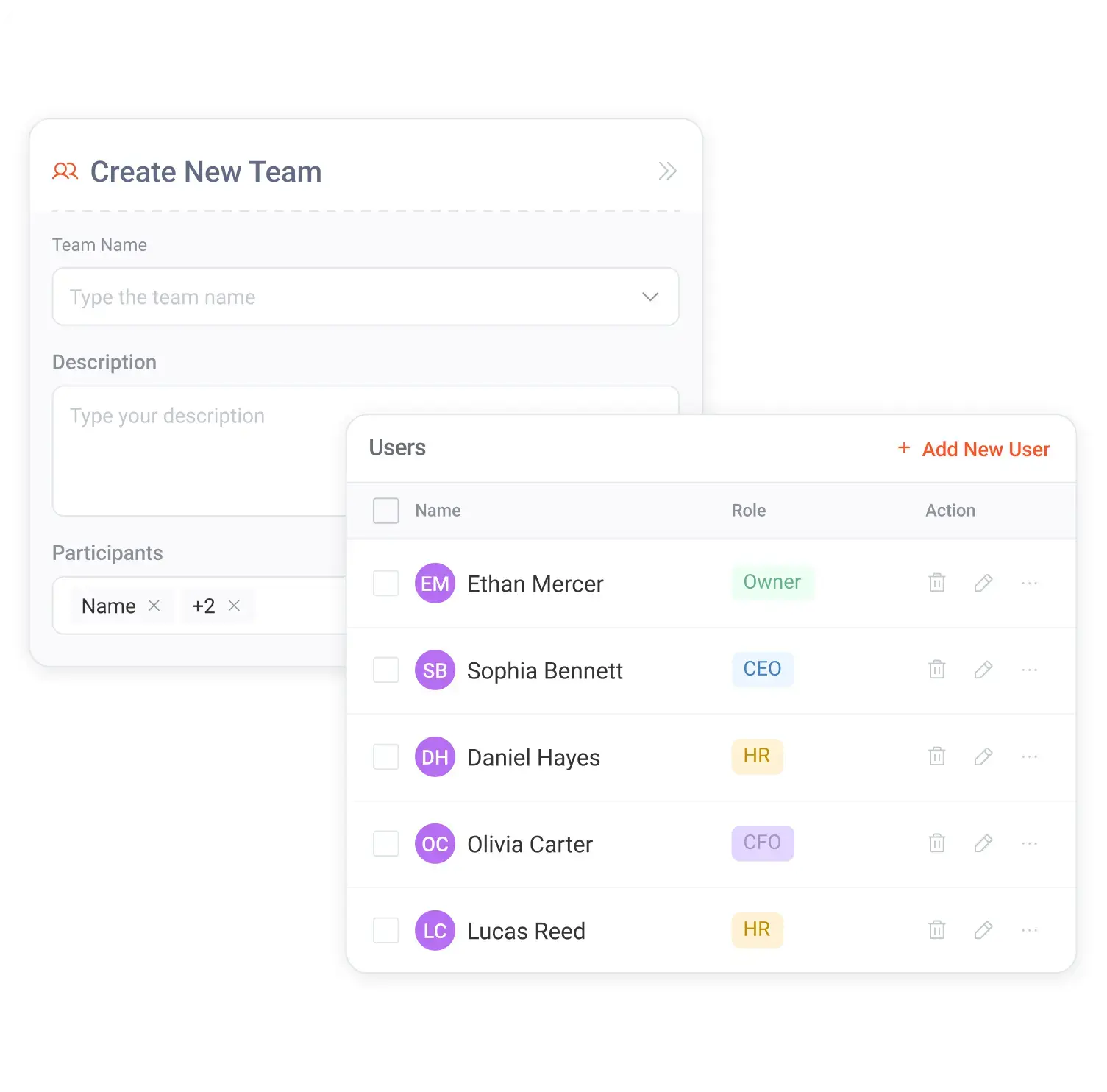
07 / Teams

Team management & user roles.

Add your team. Assign roles. Control who can create, send, and manage.

Organize your signing workflow around your actual team structure. DocuSign’s team management lives inside an enterprise admin console. SignIQ keeps it simple, add users, assign roles, go.

Best for decision-maker conversations, IT/ops buyers

Sara LinAdmin
Marcus ChenSender
Priya VasquezSender
Jordan ReillyViewer

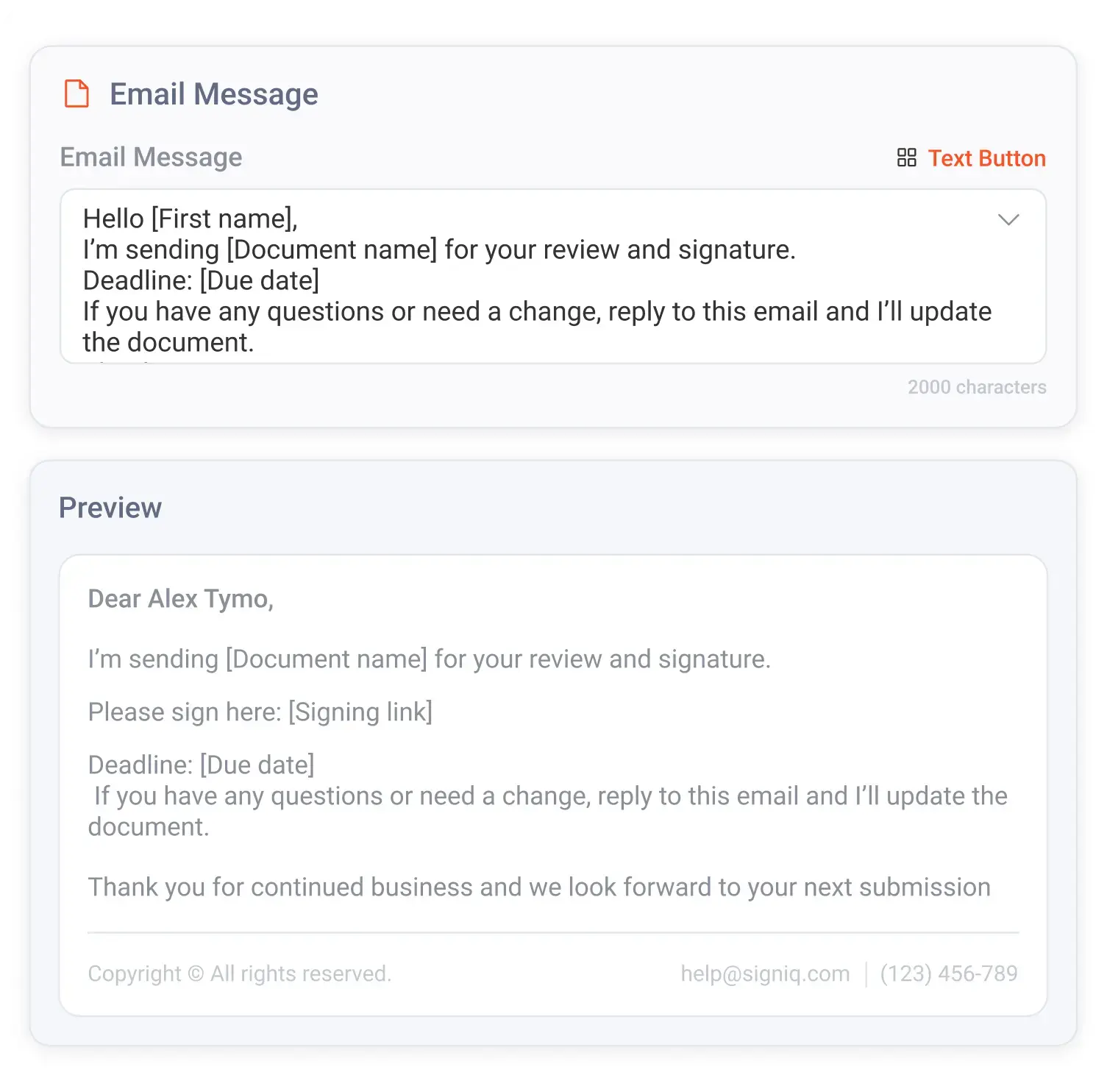
08 / Email

Custom email for signing requests.

Your signing request. Your message. Not a generic system email.

Customize the email body that signers receive. Write your own message, set the tone, and control the first impression. DocuSign allows email customization but the default experience is heavily DocuSign-branded. SignIQ lets you control the message and the branding from the first touchpoint.

Best for white-label messaging, brand-conscious buyers

From: YourCompany <contracts@yourcompany.com>

Marcus, your loan agreement is ready

Hi Marcus, here’s the agreement we discussed last week. Once Priya signs as guarantor we’ll move into closing. Reach out if anything looks off.

, The team at YourCompany

09 / API

API access on Standard.

API access included on Standard. Not locked behind an enterprise contract.

Integrate SignIQ with your existing tools, build signing into your product, or connect to internal systems via REST API and webhooks. DocuSign gates API access behind their Enterprise tier. SignIQ Standard includes API keys at $15/user/month.

Best for technical buyers, product teams, developers

POST https://api.signiq.com/v1/envelopes
Content-Type: application/json
Authorization: Bearer sk_live_•••

{
  "template_id": "tpl_msa_v3",
  "signers": [
    { "role": "borrower", ... }
  ]
}

10 / Audit

Tamper-evident audit trail.

Every event. Every timestamp. Every IP. Tamper-evident and built in.

Sent, viewed, signed, declined, expired, logged with timestamps and IP addresses. DocuSign has an audit trail, but it lives in a separate system. SignIQ’s audit trail is built in, and for Onyx IQ customers, unified with the deal record.

Best for compliance-oriented buyers, legal/finance stakeholders

Sent · 04/27 13:42:08 · 50.32.114.8
Viewed · 04/27 13:54:41 · 76.21.0.91
Signed (borrower) · 04/27 14:02:15 · 76.21.0.91
Signed (guarantor) · 04/27 14:18:02 · 24.118.91.4
Awaiting (accountant)

11 / Compliance

ESIGN Act & UETA compliance.

Same legal compliance as DocuSign. Same enforceability. Lower cost.

Signatures are legally valid under the ESIGN Act (federal) and UETA (state-level), the same legal framework that makes DocuSign signatures enforceable. Signer authentication, consent capture, and tamper-evident records all meet the standard.

Best for objection handling, legal/compliance stakeholders

ESIGN Act compliant
UETA compliant
Tamper-evident Certificate of Completion
Signer authentication
Consent capture
SOC 2 Type II, In progress

12 / Onyx IQ

Native Onyx IQ integration.

Send for signature from the deal record. It’s already attached when they sign.

For Onyx IQ customers, SignIQ integrates natively. Launch signing from the deal record. Signed documents auto-attach. Signing events update deal status in real time. No second tab. No manual upload. No separate login.

Best for Onyx IQ customer upsell, platform differentiation conversations

Deal · Loan #2871

Application complete
MSA, SignIQ · signedattached
Funding agreement · out for sigSignIQ
Closing

Send. Sign. Done.

Try every feature for 7 days. Credit card required, no charge for 7 days. Cancel anytime.